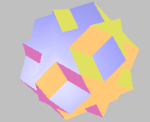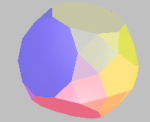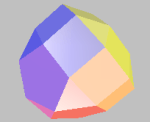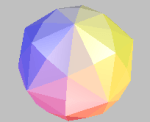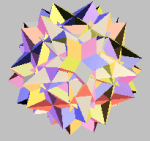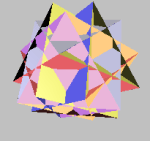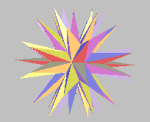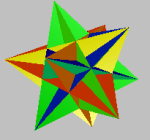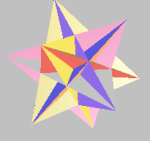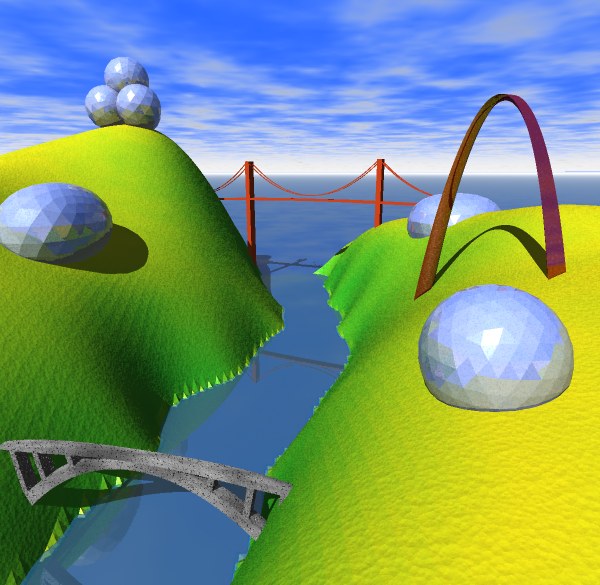
The Geodesic program displays shapes of various styles and allows the objects to be examined in various colors and lighting styles. All the object types can be modified with various parameters.
The program can export the objects in OBJ [Wave] format for import into your favorite 3D rendering environment.
Geodesic creates and displays several types of objects:
- Geodesic shapes
- Moebius Strips
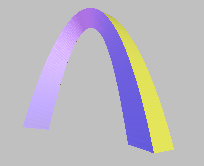
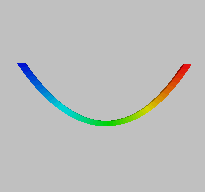
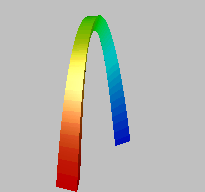
- Catenary Arches
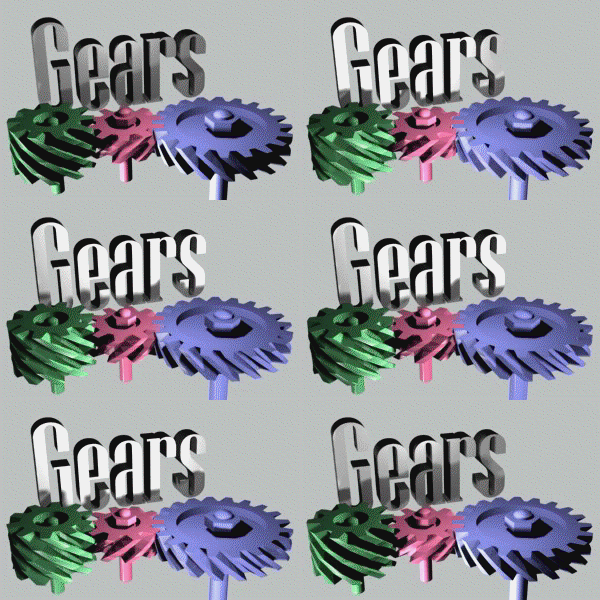
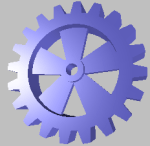
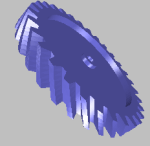
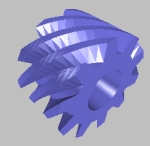
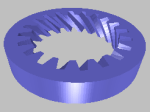
- Gears
- Polyhedrons
Geodesics
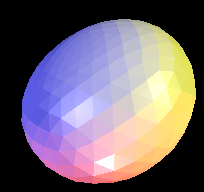
One of the best known inventions of Buckminster Fuller, a geodesic shape is a cross between a polyhedron and a sphere. Take either a tetrahedron or an icosahedron and divide its edges into multiple segments, and then map each of the resulting points to a surrounding shape, such as a sphere, and you end up with a geodesic. The program allows choosing all these parameters.
Moebius Strip
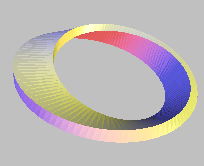
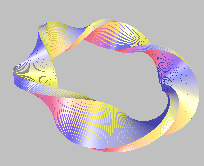
The Moebius Strip is a strip attached at each end after one or more twists. Geodesic allows modifying many parameters including width, thickness, and twists.
Catenary
Gears
Polyhedra