
I recently purchased a 15″ PhotoFrame for what seemed like a great price of $250US. Of course now they have a WiFi version for $270. But I have a 17″ LCD monitor that wasn’t pulling it’s weight anymore, so I wondered how much trouble it would be to make a PhotoFrame from that.
Seemed like Linux was the way to go, so I looked around for a cheap, small format PC, since it didn’t make sense to run it with an Old Desktop machine. How Klunky is that?? Here is my final solution. I’m going to talk about what to watch for as you try to build one of these for yourself.

After a lot of looking around and being confused by all the options and lack of any support in this space, I found a company that had a clue and would talk to me about my application. The Linux Forums were no help, by the way. Several posts to several different forums got no response as if nobody had ever made Linux run on such devices.
This is the device I selected: Blue Diamond CV860A. I got the version with 800MHz but fewer Lan ports. I chose the CV860A – 1R80 since it was only $8 more than the slower model. Beware, this device uses “Low Profile” DIMMs. NewEgg had a 4GB flash card and a PC133 512MB DIMM for about $40 each, so I seemed all set.
Woops – Need to have Low Profile DIMMs
Until I found that the BlueD required Low Profile DIMMs.. But alas I lucked out and the PC133 was low profile and worked like a champ.
Here’s what happens with High Profile DIMMs – like the normal ones that you use in Desktops.
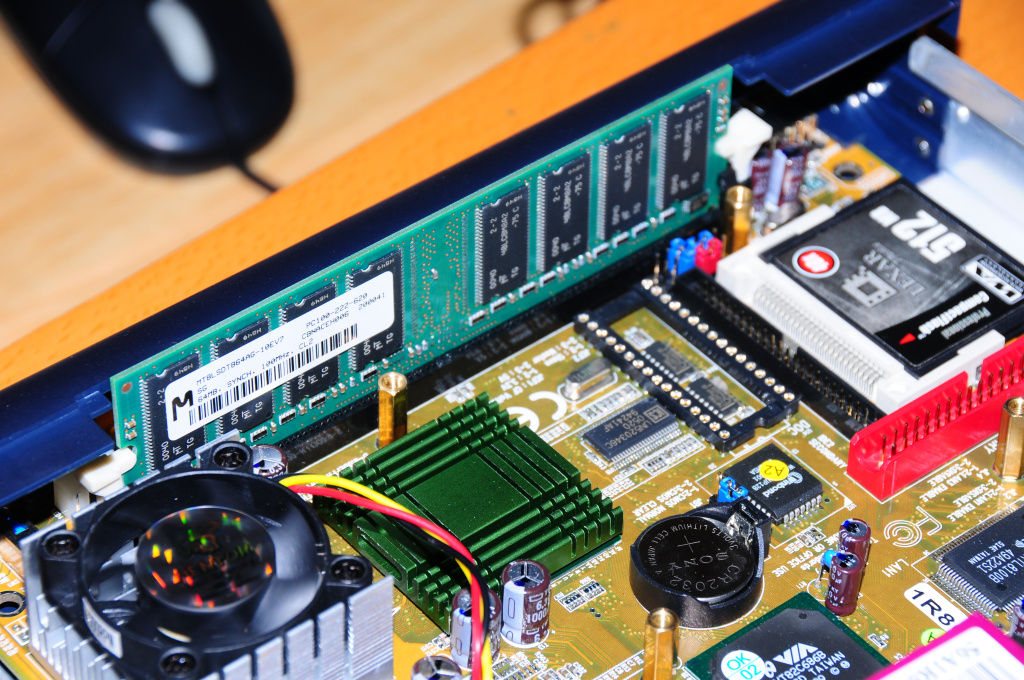
Can’t close the case. But low profile DIMMs work just fine:

Loading Linux?? From where?
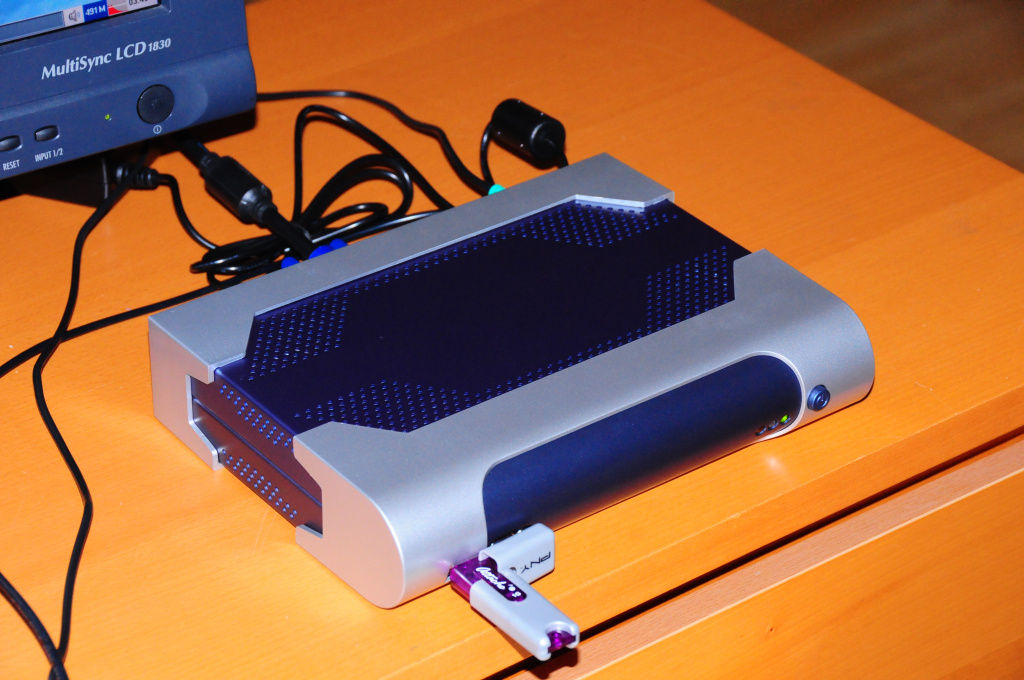
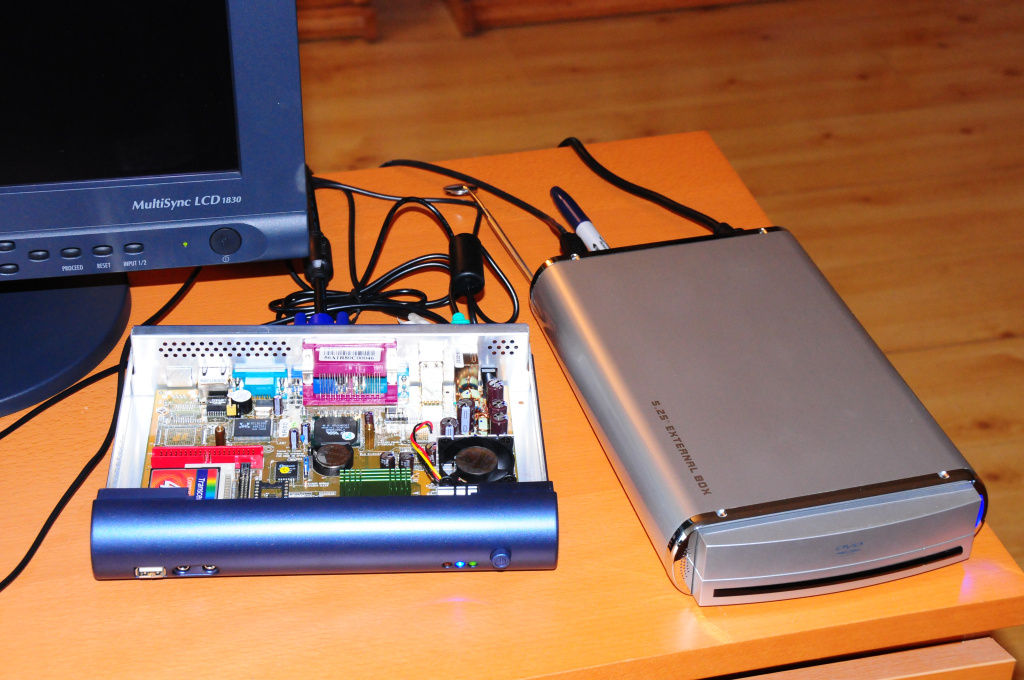
The BD will support a 2.5″ IDE drive, but I wanted to run it from a CF card if possible. But how do you get it on there? Turns out the simplest way is to boot from CD-ROM and run an installer. Well, the BD supports a USB CD-ROM, so no problem. Here is the system all hooked up and ready to install:
Ubuntu or not to Ubuntu?
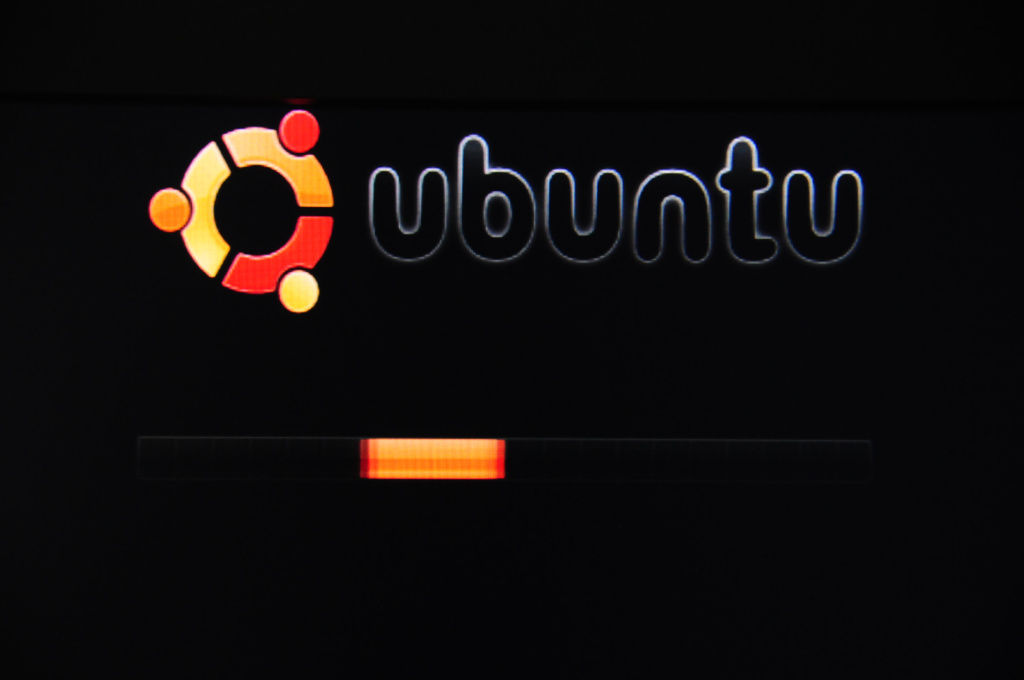
I had installed Ubuntu on a desktop machine and a HD. No problem, well almost no problem. The system set the screen to 800×600 and the installer dialogs were assuming a larger screen, so that was a hassle, but after that the system installed just fine. On the desktop….
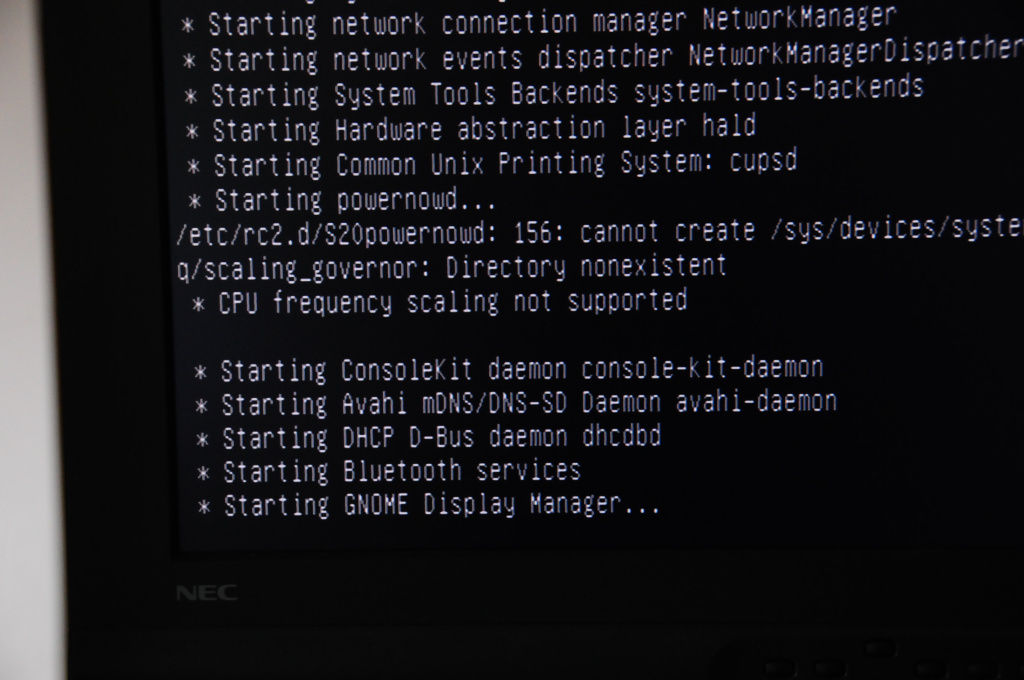
But on the blue diamond, it failed to start. It got all the way to the GNOME display manager and then hung. The system on the CDROM would not start. I’ll post this on the Ubuntu forums and see if anybody has any ideas.
Update: 14 Jan The problem with the Ubuntu install was insufficient RAM. The Ubuntu CD requires 384MB RAM for the install. Once I tried it with 512MB of RAM it worked fine. Ubuntu 7.10 installed without problems on a 38GB IDE 2 1/2″ HD connected to the Blue-Diamond. The BD is supplied with a cable and bracket to hold a standard Laptop form-factor HD. While Puppy works fine, as you will see from the later articles, Ubuntu is a better match to take advantage of the HD and RAM space of the larger system. On the BD, Ubuntu correctly sized the screen for 1280x1024x24, unlike the previous install on a Compaq Presario.
Continue with the series to read about Puppy Linux installation.

