
I have started using Google calendar and now I want to analyze the events that I’m saving. Google provides a calendar, but no tools to analyze the events on a calendar. Also they only provide iCal format export of the calendar and no way to move the calendar to Google Docs. An iCal importer for Open Office Calc would have the widest appeal and widest platform support. I have written a simple importer for Open Office 3.1.1. I have not tested it on other versions of OO. You can download it here: iCal_Import_04 The download link it as the top of the page. Wave your cursor at the top of the page to see the V symbol for the download link. Enjoy. BTW, WordPress.com does not allow posting of any zip files so I had to move the file to google drive.
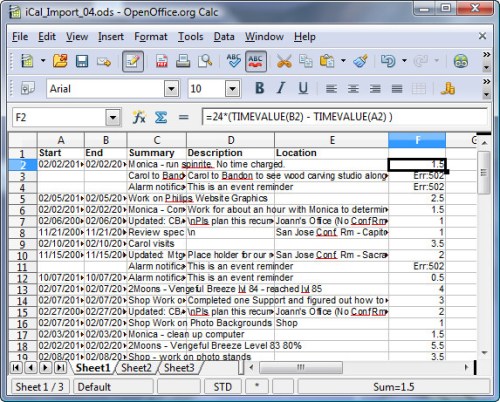
One of the things that I needed to do was to add up times that I spent on certain activities. By adopting conventions about how to fill in the event summary field, and adding a column for Duration, it’s easy to do this. To use the importer, download it and unpack it to your hard drive. You may need to adjust your Security settings to allow macros to run, and possibly set a folder on your hard drive as a trusted source. Open the spreadsheet with Open Office 3.1.1 or later. I suggest you Save As… to a new name as soon as you open it to avoid modifying the original file. Once you have saved it with the name you like, run the main macro as follows:
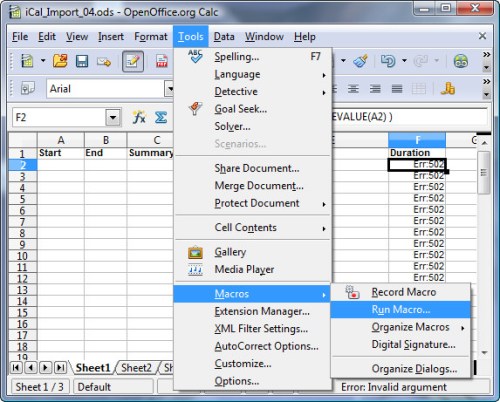
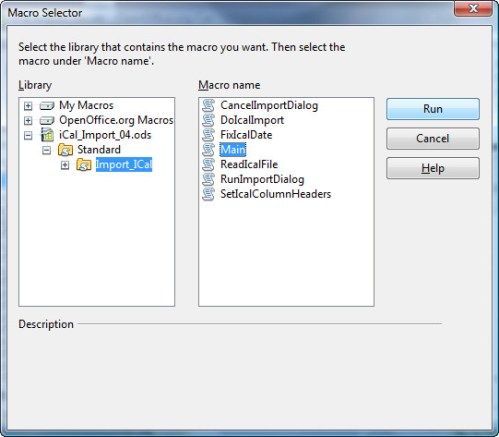
and choose the macro MAIN from the file.
Browse for the ics file, and set the time zone offset:
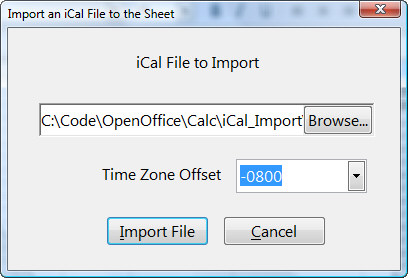
Next click the Import File button to import the calendar file.
After the import you can adjust the column widths, sort the data and add new colunns to analyze the data.
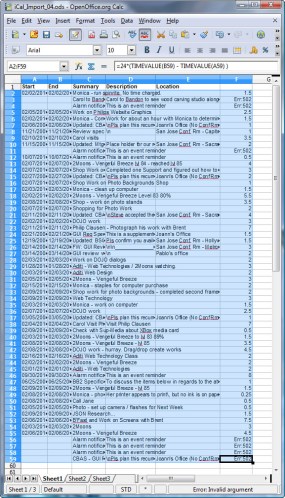
Select rows 2 to the end to sort the data. Do not select the column headers.
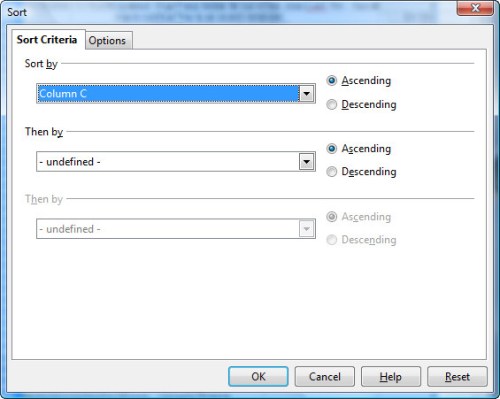
Here we sort by column C, the subject.
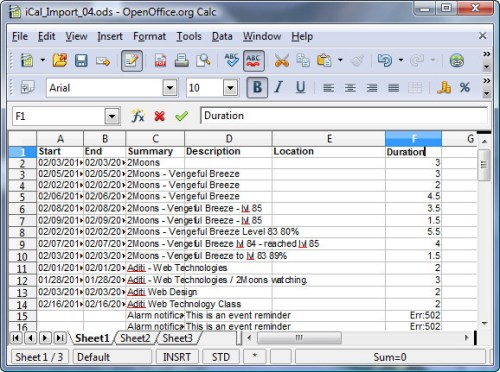
The import sheet comes with the duration column pre-loaded. The formula for the duration is:
=24*(TIMEVALUE(B2) – TIMEVALUE(A2) )
Of course charts and other analyses can be easily done now that the data is in a spreadsheet. The importer is distributed with a GPL V3 license. Enjoy, – Windy
 Windy Weather
Wonderful, works fine with NeoOffice (the Mac version of OOo). There are lots of threads looking for google calendar to csv and similar, I was also looking for that, and none of any suggested solutions work quite as expected. But this just made my day! Thanks, Windy!
Great ! Just tested with LibreOffice 3.5.4, works fine.
Windy,
we ? you!
thanks! it works as charm :)
keep rolling it :)