These are musings from my vantage point on the Oregon South Coast.
A long-time software engineer and general geek, I continue my exploration with Photography, 3D Graphics, Linux and other nonsense. Come along for the ride.
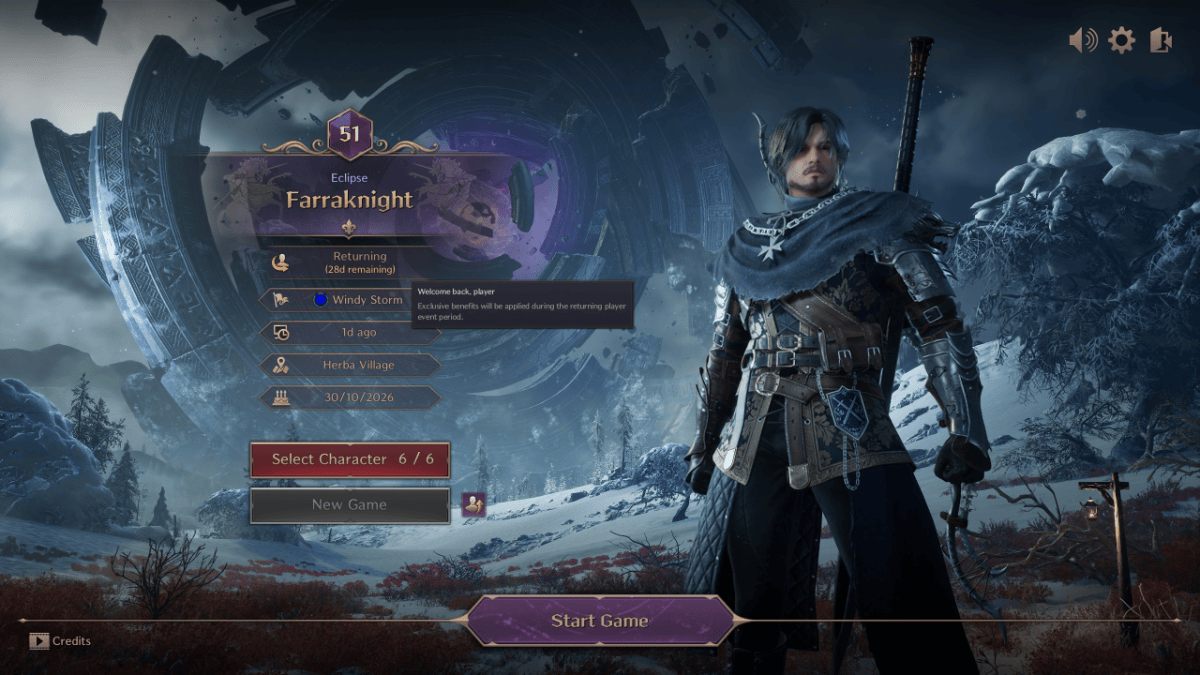
I’ve been playing Throne and Liberty [TnL] for about six weeks – since a couple of weeks before the transition to NC on Nov 10, 2026. As you may know from reading this blog I’m not new to MMOs. I started with Decaron in 2006, spent a few years in Wow [Wrath – Pandaria] and have played Guild Wars 1, Guild Wars 2, Final Fantasy XIV, Elder Scrolls Online and recently TnL and AION2 among others. While none of these games are perfect, My Gripes with Throne and Liberty are annoying enough that I will likely not continue playing the game.
What I Like
There’s a lot of things I like about the game:
The character models are nice. Not much exotic in the normal gear unlike AION2, which I have also been playing, but the costumes make up for this – At a cost in real money. Shop purchases are broken since the transition to NC, but will probably be back in a few days.
There is only one Race, or Species, in the game – Human. That seems odd. There are dwarf and other races as NPCs in the game, but only human’s can have Star Fragments apparently.
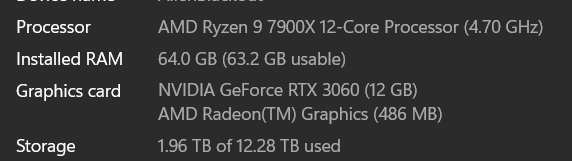
The world is attractive using Unreal Engine 4. It works very nicely on my computer which is
The questing scheme of having quests in a book, not given or returned to NPCs is different, and mostly works fine. Guild Wars 2 has a similar scheme, but in GW2 you need to walk into an area to activate the Renown Heart and find out what to do.
In TnL, every few parts which are groups of quests, for the first 50 levels or so, gives you chests of gear – Weapons, Armor, and Accessories. And then these rewards stop. And you are left on your own to figure out how to get new gear and with the low population at the moment, grinding dungeons is not possible.
Not So Nice Features
The problem with TnL’s questing scheme is that finding the next quest target on the map can be confusing. Sometimes it is well marked, and sometimes not. Marking which quests are tracked on the screen is also confusing.
Farming gear is not a thing. After about 50, you are on your own. You have to learn complex and confusing crafting, which is apparently based on “Lithographs” of weapons you have seen before. There are next to no drops of gear while doing quests or mob kills in the open world.
What happens when you boost is less than ideal. One would expect that you would become much more powerful and could then solve earlier quests and battles with ease. But Nope. Earlier quests and challenges are all completed and you are faced with new challenges that are just as hard to complete. I looked forward to returning to “The Forbidden Room” and trouncing the Wizard Hela, only to find that the quest was automatically completed after the boost. And a new fight to beat the Forbidden Book Guardian – Yellow and Blue actually – and died twice. After spending twenty or so minutes upgrading all my weapon skills – greatsword and bow – and then went back and managed to beat the wizard.
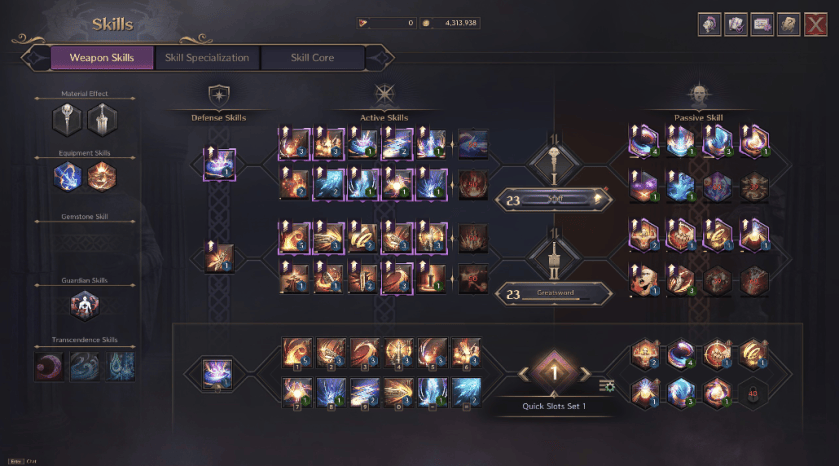
The weapon upgrade process is needlessly complicated. Each skill must be upgraded with many clicks using books you are given by doing quests. This is a multiple step process with many clicks.
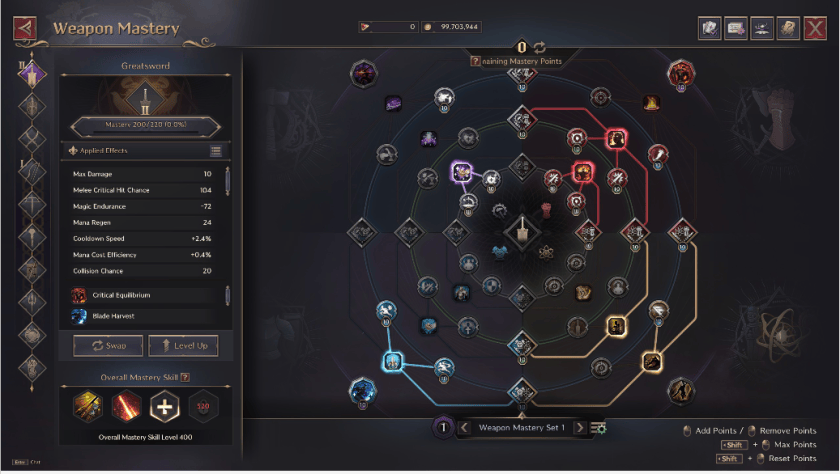
Then there is weapon mastery with another dialog, which looks simple but which is again a puzzle to be solved.
Another example of locking out of a feature: Gear Enhancement. At about level 30 you run across a blue quest – side quest – to learn to enhance your gear. If you skip it and then boost the following happens. I’m sure that when you first get the quest you have appropriate gear and are given appropriate enhancement stones, or whatever thing is required, but if you boost, and then try to enhance your gear, you are told that you must do this quest. So find you find the NPC and ask for the quest. BUT you are unable to do this. At this point two things have happened. Your fancy gear that you’ve been given on boost has no features to be enhanced. And when you find some gear at your level – a sword I got from some chest or something – you have 90 out of 95 enhancement stones that are required to do the enhancement. So after the boost, you are left with gear that does need a feature than you cannot learn to do anyway.
Like many Korean games you need to frequently visit many dialogs to “Claim Rewards”. So a lot of wasted time clicking around in the interface to claim things that were apparently invented to cause you to waste time clicking. Not sure this is a Korean game, but it shares this required clicking behavior with AION2 which is Korean.
TnL is carefully designed to discourage playing with other players. As is AION2 by the way. Every quest takes you into an instance area where you cannot see your party mate or friend. Actively Hostile to party or friend play is how I would characterize the game design.
Bottom Line
That is as much time as I want to spend on this post.
I’m likely done with TnL except to play with a friend on some low level questing.
Recently, Windows 11 has started to Beep at various times. Nobody online seems to really have a handle on what is going on, or how to fix it. But I had a thought that nobody I saw discuss this topic has mentioned. The various sources indicate that it seems to be coming from USB Device Connects / Disconnects and talks about looking at the event managers to see this. I looked and I could not see any events.
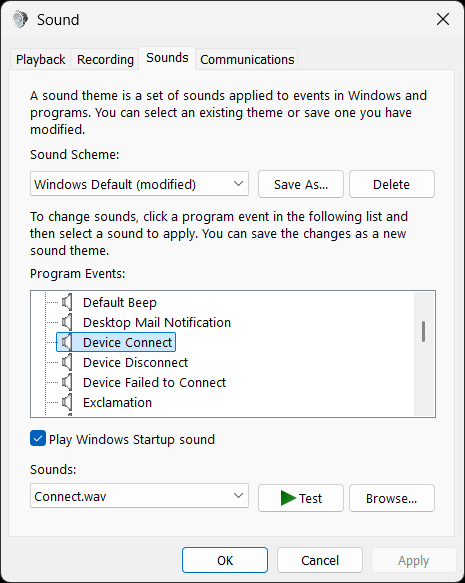
There is a control panel to set what sounds play on certain events.
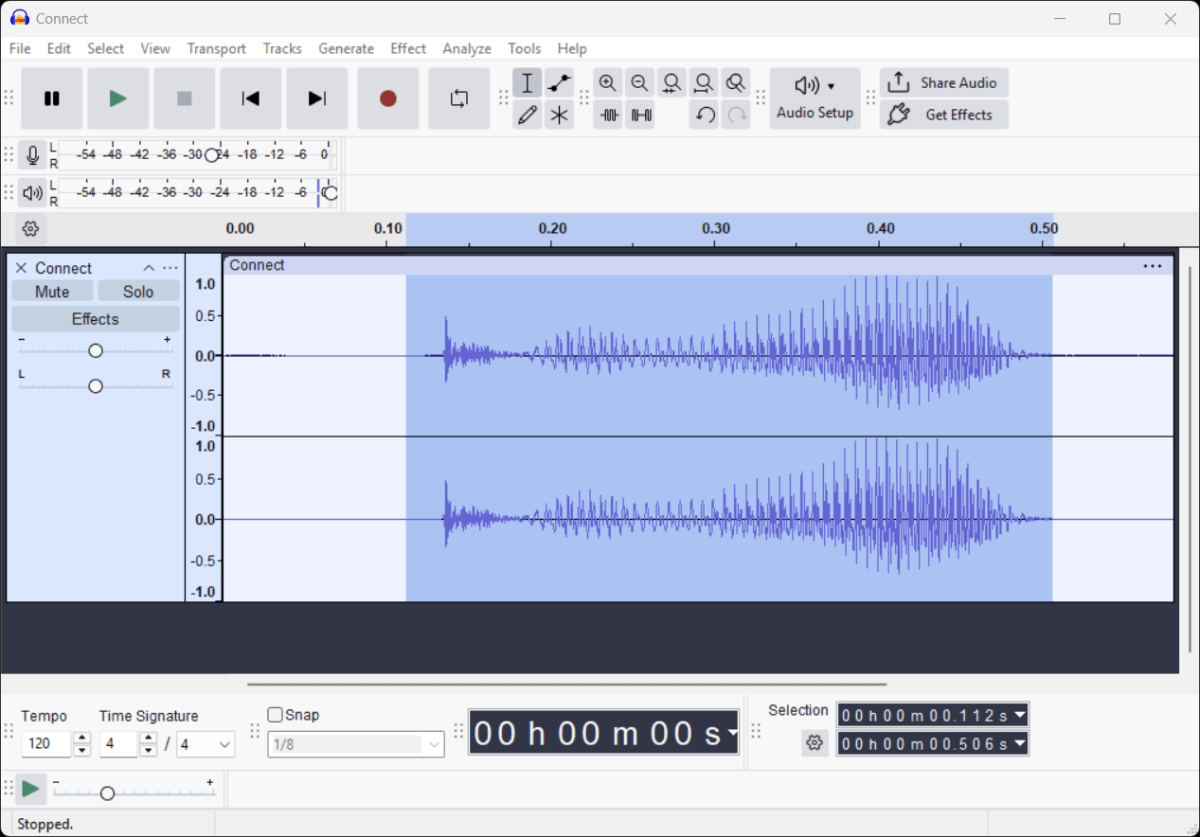
So I had the bright idea of changing the sounds for Connect and Disconnect to see which one was occurring. The sounds I heard did not sound exactly like these, but here’s what I did.
I’ve watched the Gemini button at the end of the Google search box for a few weeks ? Months?, but I’ve never tried it until today. Today I had a problem installing Java on Linux and I let Gemini help.
Background
A while ago I wrote a Java program to display artwork in the form of LibreOffice Impress files. The Showrunner program takes a list of Impress files and displays them one after the other and starts the first one after the last one. It is written in Java so that it’s easy to use on Windows or Linux.
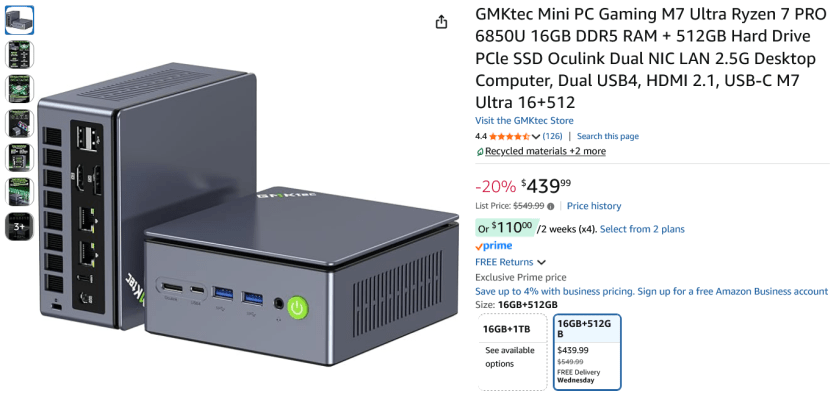
I just got a new Mini system [5″ x 5″ x 3″] system. Basically a folded up laptop with 16GB RAM, 500GB SSD and it came with Windows 11 Pro – Yuck. So my first task was to install Linux Mint 22.3.
Installing Linux Mint 22.3 went without a hitch. But to use ShowRunner I needed to install Java. I tried to just install it. And that looked like it worked, but didn’t when I tried to run the program.
Did anyone mention that you can just make a bogus email that you never use for anything and then call that a Microsoft account? That seems like a pretty obvious work around to maintain your privacy while satisfying the bogus requirement that Microsoft has created to allow you to use Windows 11.
Is Microsoft really so brain-dead that they don’t realize that folks will do that? And if we do that, what does Microsoft gain by harvesting an email that I never use for anything? I suppose they assume that somehow they can make money off of the email that they harvest when they require me to make a Microsoft Account. But I’m not required to ever look at whatever email they send me there – Except maybe once when they check that it’s a valid email.
I’ve found another Wow Private Server. For Wow, this one looks, and works very nicely. I’ve played it for a few hours. But I’m going to move on from Wow. I’ll get to that later.
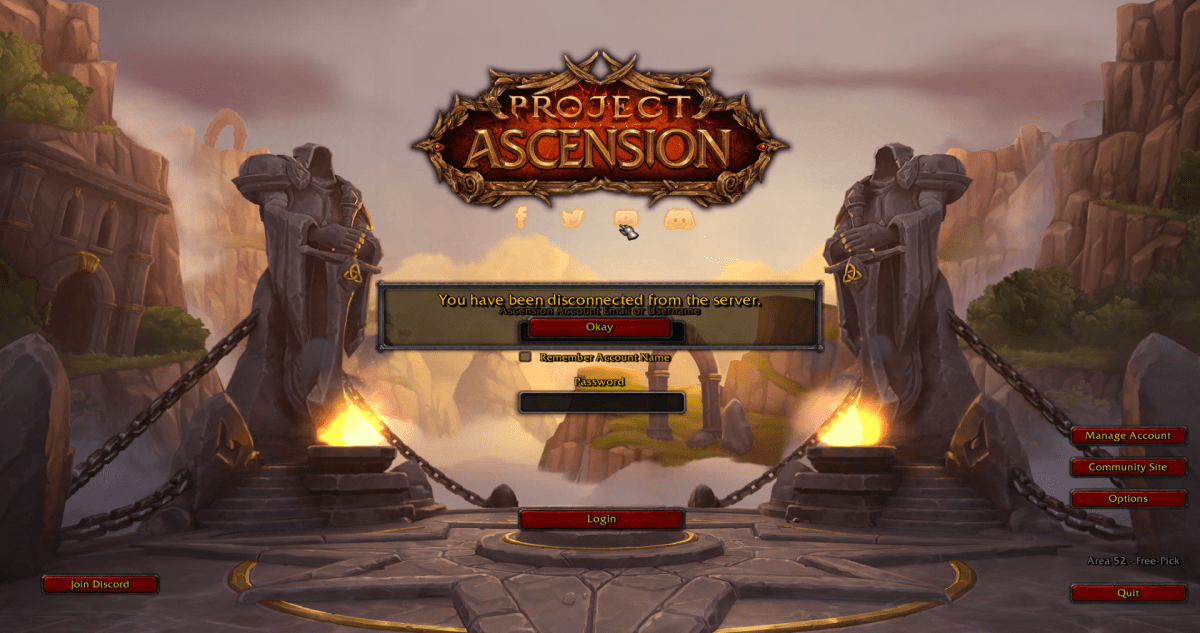
Whitemane can be found at Whitemane.org. I was most interested in the Wrath of the Lich King [WotLK] expansion since it adds the Northrend continent, and flight in both Outland and Northrend. I found the Frostmourne experience very stable. No constant reboots as with Project Ascension. No crashes. There were a couple of funny behaviors but only a few in the week or so that I played.
The signup is a little odd. You sign up at PlayerID.me, whatever that is, and you must have either a gmail or another well known email – I forget which one. And they send a message to verify your email. No surprise. But it went smoothly.
About a year ago or so I found the Project Ascension private server and played it for a while. This server is a Burning Crusade Classic server with class changes and other innovative changes.
I like several things about their ideas for a Wow Server:
Extremely flexible class idea where you can pick and choose skills from any of the classes.
Ability to tame pets from Elemental, Dragonkin, and Demonkin as well as Hunter Pets.
Easy and free rank up of your skills.
Reasonably fast progression – at least at the time of my starting.
Good population so dungeon queue times were reasonable.
However, after a few weeks, I stopped playing. After I was able to level a couple of characters to level 70, and obtain flight in Outland, but then something changed and progression was so slow that everything felt like a grind. When I play a private server on any game, I don’t necessarily want an instant progression or boost to max level, but I don’t want a grind either. I expect a better progression than the original / retail game tho. If I were wanting a normal level of progression then I would just play the retail game. I didn’t figure out what changed at that time. So I know there are folks that enjoy the “Hardcore” experience where one death ends the character and you start over. I’m not a Hardcore kinda guy.
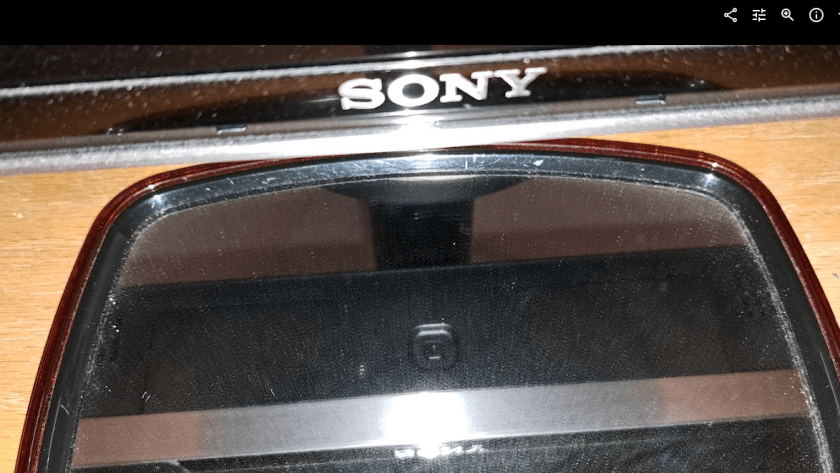
I forgot to post this earlier. Back in June I thought the Sony Bravia TV had died. The Sony Bravia TV is actually fine. Yep Still works. Turns out that there is a little button on the bottom / middle that reboots the TV. For some reason I had never needed that before, but when the TV shut down the last time, I thought it was broken. But it turns out that when I plugged it in and pressed that button it booted up just fine and works fine. So I’m back to using the Sony Bravia now. Very odd. Always before when it shut down, just power off and back on had caused it to reboot. But this last time the hidden button on the bottom had to be pressed.
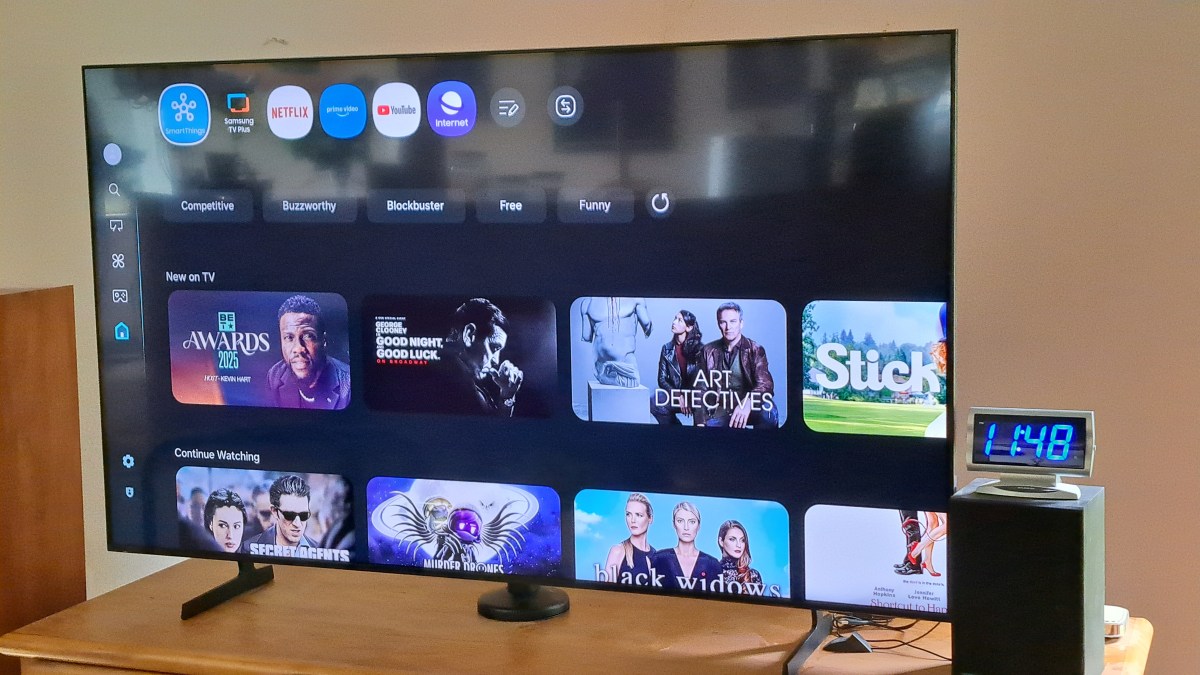
The Sony is better than the Samsung TV in at least one way: The Youtube interface for captions shows more options for some reason and is easier to use.
TV Stand Adjustments
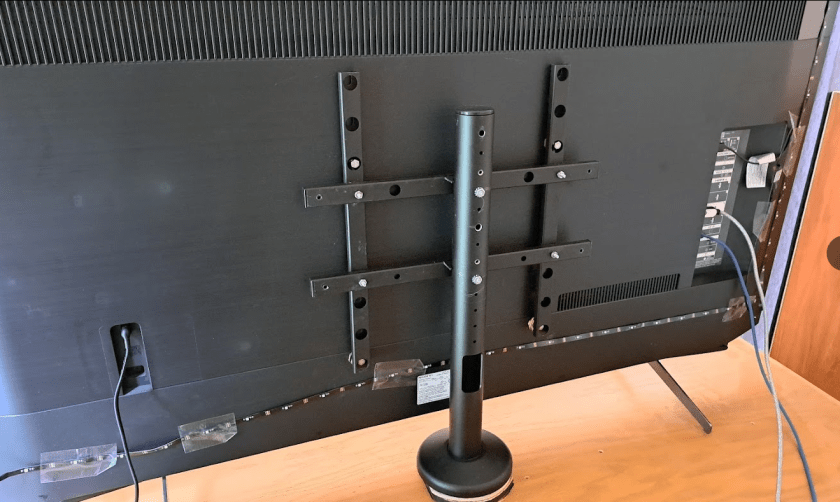
I had to wrestle with the stand to put it back to fit the Sony TV after the grinding and drilling to make it fit the Samsung. But that was easier than fixing it the first time. Odd that they made the stand so hard to adjust. I guess they decided that they would sell more stands if they made the stand so it could not be easily changed to fit more TVs.
I had waited too long to take the Samsung back to return it. Sooo. I packed it up and put it away. Maybe I’ll be able to sell it to a friend. The Sony has been fine. No more annoying shut offs like before. I think Sony Released an update that fixed some problems.
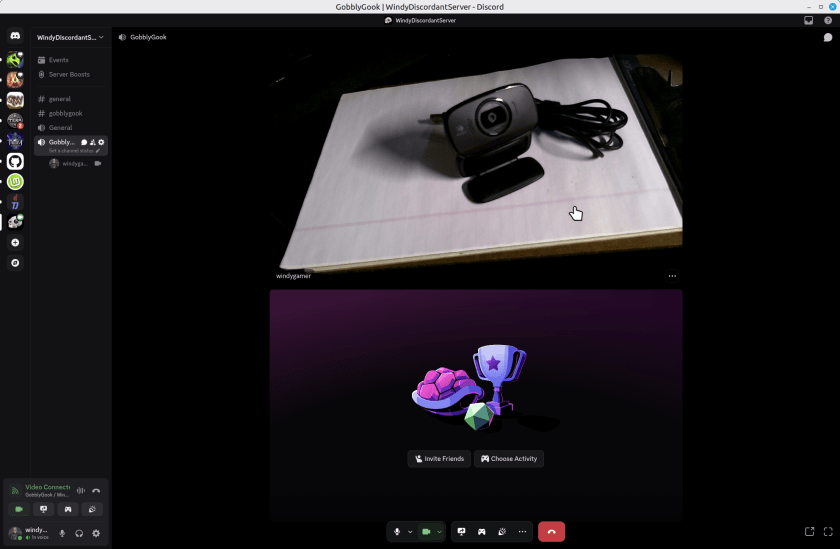
So, from a few years ago I have a couple of Logitech Webcams. I’d report the model number but they leave that off the device. On a little tag on the cord one says M/N V-U0016 and the other one says M/N-U0023. Embossed into the body of the webcams – which look identical – it says they support a microphone, auto focus and 720p. They are missing a shutter to block the camera which all new models have, but a piece of black tape solves that problem if you care. These webcams are perfectly great for Discord or Zoom calls. Here’s one web cam taking a portrait of the other in Discord, running on Linux Mint 22.2.
You might argue that it is not sharp but for a discord or zoom call its just great. I’ll not show my face here, but it was perfectly reasonable for 720p. Sure the new ones are 1080 or 4k, but who cares? If you really need that, then you don’t care about saving this old webcam.
Here’s an example with Linux Mint 22.2. Other Linux Distros are probably very similar. OpenRGB is installed with FlatPak which is probably the simplest way to install it.
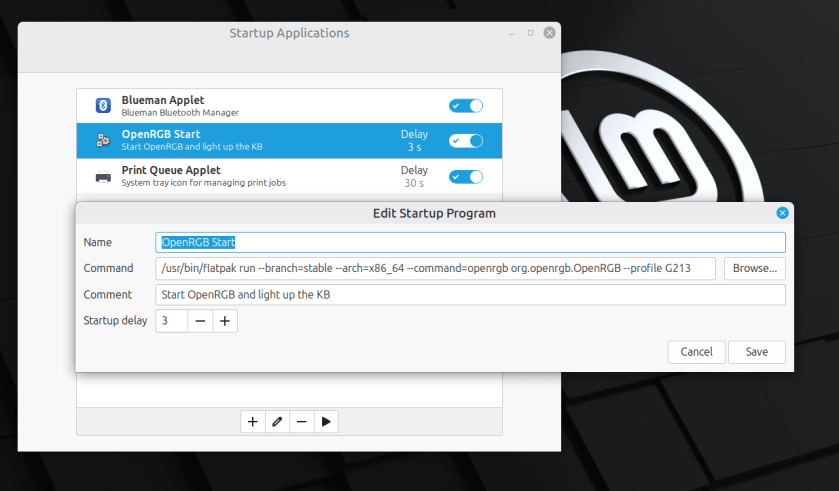
It’s pretty simple to start OpenRGB to light up your Keyboard or other things when you boot linux. Just enter a startup command in the Startup
I found this command by examining the short cut that flatpack produced when I installed it. Just add the –profile option to load your particular profile.
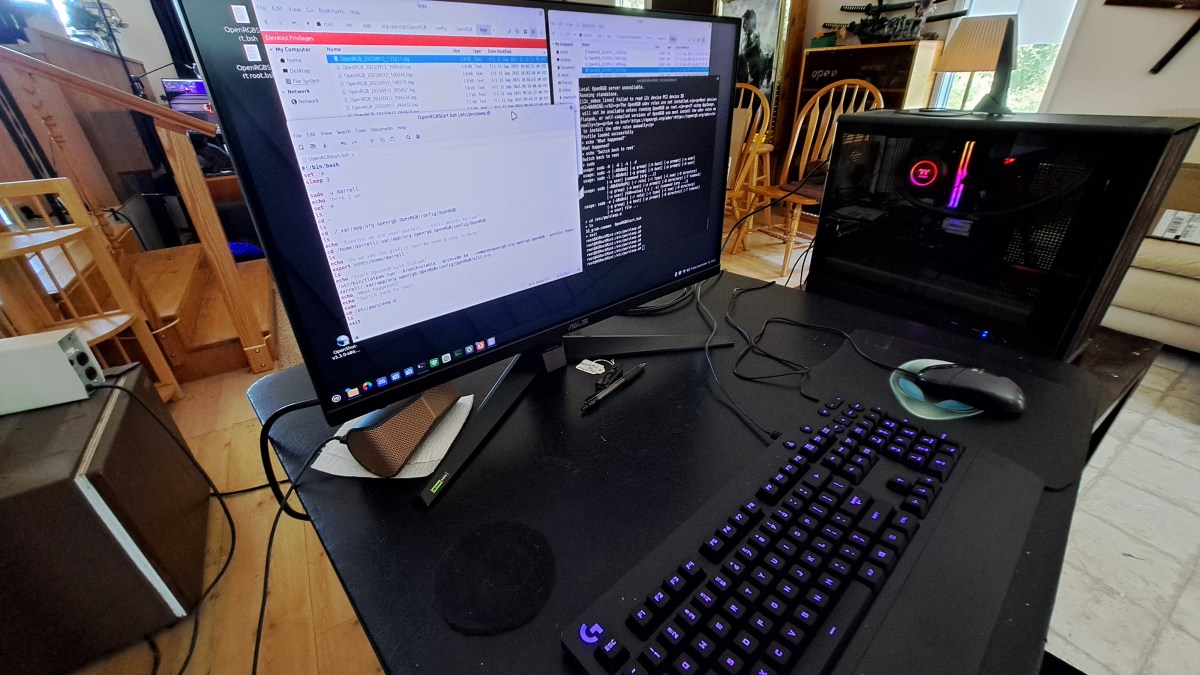
I’m using OpenRGB to light up my Logitech G213 keyboard. This is on Linux Mint 22.2. I added a command to the startup events so OpenRGB starts when the system boots. That works great, but OpenRGB does not automatically start on resume from Suspend.
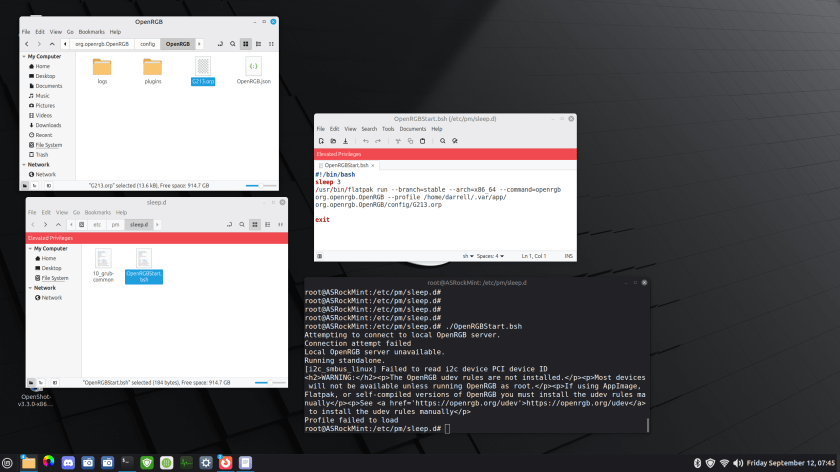
Here’s a summary of what I have so far.
There is a bash script in /etc/pm/sleep.d that runs OpenRGB. The problem is that it fails to find the profile. There is apparently something I don’t understand about the environment. There is a terminal, set to root, and set to the /etc/pm/sleep.d directory. So I get the same error when I run the script from there.